
How It Works
From Job Description
to Screening Results
Two acts. One outcome. Build a custom AI Sage that screens candidates on your terms, around the clock, and then watch it work.
15
Minutes to First Screen
40+
Languages Supported
14+
Integrity Signals
24/7
Screening
Act One
Design Your Sage
Five steps to build a custom AI interviewer trained on your culture, your role, and your standards. No question banks. No guesswork.
1
Step 1 of 5
Define Context
Paint the picture of who you are.
Upload an existing job description or let our AI draft one for you. Either way, your Sage starts with the role itself: what the job requires, what the team needs, and what success looks like. This is the raw material everything else is forged from.
About 2 minutes
2
Step 2 of 5
Set the Boundaries
Tell your Sage exactly what to look for.
Eight questions shape your Sage’s understanding of culture, expectations, and what “good” looks like for this role. These are the guardrails that keep every screen consistent and aligned with your team. And if you get stuck, our AI is there to help with the hard parts.
8 alignment questions
3
Step 3 of 5
Finalize + Build
Watch your Sage come to life.
Review your configuration, then sit back. In about seven minutes, we assemble the specialized agents your Sage needs and run a mock screen to make sure everything works. When it is done, you have a fully operational AI interviewer calibrated to your exact specifications.
About 7 minutes
4
Step 4 of 5
Take It for a Spin
Be the candidate.
Before a single candidate sees your Sage, you experience it yourself. Sit through the screen exactly the way an applicant would. Ask tough questions. Push the boundaries. See how it handles curveballs. This is your chance to refine before it goes live.
From the candidate’s perspective
5
Step 5 of 5
Deploy
Customize, brand, and go live.
Finalize the look and feel of your candidate emails and contact experience. Add your branding, review the messaging, and deploy. Your Sage is now live and ready to start accepting invitations around the clock, on any device.
Live and screening 24/7
Act One Complete
Your Sage is ready.

Built on your culture. Trained on your role.
Calibrated to your standards. Now watch it work.
Calibrated to your standards. Now watch it work.
Act Two
The Screening
Your Sage is live. Here is what happens next.
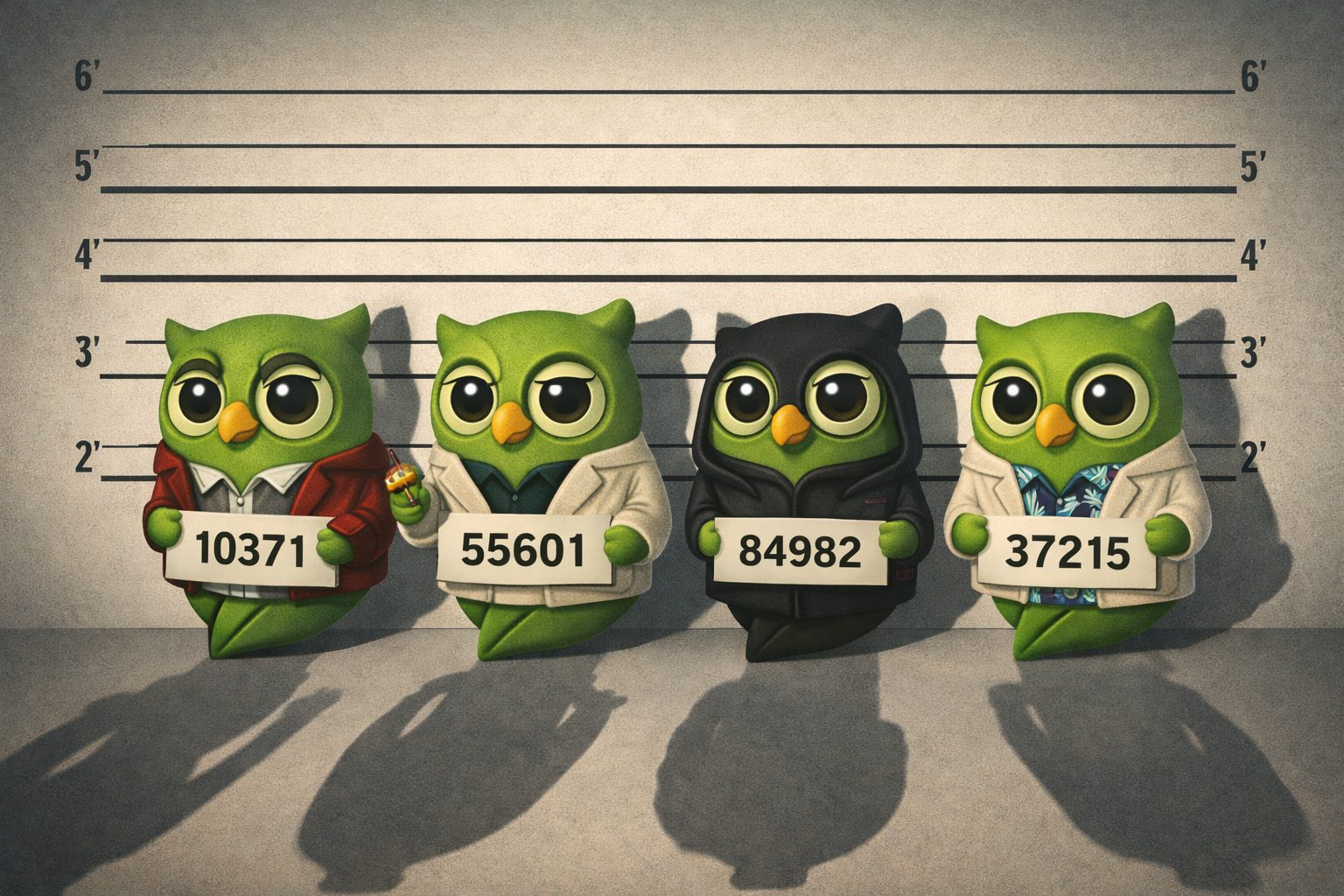
The Lineup
Find the Unfindable
Every candidate pool has them. Your Sage knows what to look for.
Suspect 01
The Ghost
Applied, disappeared, never heard from again.
SageScreen: There are no appointments to miss. Candidates screen on their own time, on any device. Auto-nudge emails keep them moving. Ghosts get every chance to show up before they are marked inactive.
Suspect 02
The Unqualified
Applied anyway. Confident, friendly, completely out of their depth.
SageScreen: Dynamic, role-specific questions go deep fast. No generic softballs. Your Sage adapts in real time, following up where answers fall short. It sniffs out gaps faster than a bloodhound finds Bugs Bunny.
Suspect 03
The Faker
AI-generated answers. Proxy screens. Coached responses that sound too perfect.
SageScreen: Thirteen integrity signals monitor every screen in real time. Behavioral patterns, timing anomalies, consistency flags. Detailed fraud reports surface what human screeners would never catch.
Suspect 04
The Rehearsed
Memorized every answer on Glassdoor. Polished delivery, hollow substance.
SageScreen: No question banks. Every screen is generated fresh from your role context. There is nothing to memorize, nothing to share, and nothing to prepare for. Rehearsal is useless when the script does not exist.

Not a Red Flag
The One You Almost Missed
Hiding in plain sight. Wrong title on the resume. Missing a keyword. An ATS would have ended them on page one.
SageScreen: Your Sage does not filter on keywords. It has a conversation. It gets to know the candidate before turning data into information for the human to act on. The best person for the job does not always look like it on paper.
The Process
From Invitation to Decision
Four steps between deploying your Sage and making your call.
6
Invite Candidates
Open the gates.
Send invitations directly or connect your ATS. Candidates receive a branded email and screen on their own schedule, on any device, around the clock. No coordination. No calendar juggling.
Branded email invitations
7
The Conversation
Your Sage takes the wheel.
The candidate sits down with your Sage for a dynamic, role-specific conversation. Questions adapt in real time. Follow-ups dig deeper where answers fall short. No two screens are the same. Meanwhile, 14+ integrity signals run silently in the background, watching for fraud, proxy use, and AI-generated responses.
Dynamic, adaptive questions
8
Results Generated
Every answer. Every signal. One report.
When the screen is complete, your Sage produces a detailed report: structured scores, full transcript, culture alignment indicators, English proficiency assessment, and integrity signal analysis. Any fraud flags or suspicious behavior are surfaced with specifics, not just a pass/fail. Data becomes information.
Detailed scoring and transcripts
9
Human Final Call
The decision is yours.
SageScreen screens. You decide. Every report gives you the information you need to make a confident, defensible call. No algorithms making choices for you. No black boxes. Just clear data, presented for a human to act on.
Humans decide. Always.
SageScreen
Screen to Shortlist in Hours, Not Weeks
Candidates self-schedule. Sages screen 24/7. Results in your inbox same day. 81% less cost, 40+ hours saved per role.