
The New Reality of AI-Powered Job Interviews
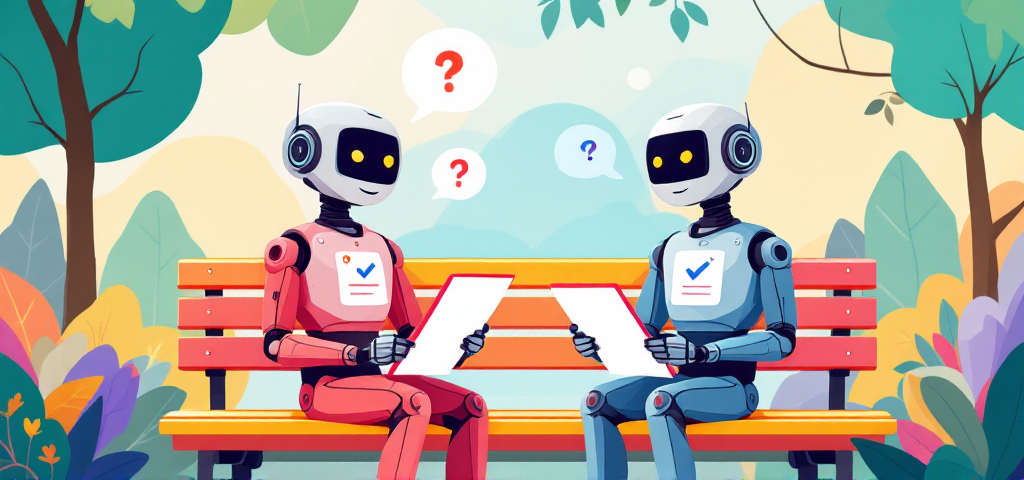
You open your inbox and spot a message from a company you applied to. Instead of a request to meet with a recruiter, it’s an invitation to complete an AI interview. Your stomach drops a little. What does that even mean? Will a robot decide if you’re a good fit? What if the technology misinterprets your answers, or you freeze up talking to a screen? If you’re feeling a mix of curiosity and anxiety, you’re definitely not alone.
AI-powered screening is quickly becoming the new normal in hiring. Companies everywhere are adopting automated interview processes to keep up with the hiring arms race. It’s not just tech giants or startups, either. Banks, retailers, and even nonprofits are using candidate assessment technology to sort through applications faster and more consistently. If you’re searching for what every candidate should know before taking an AI interview, you’re already ahead of the curve.
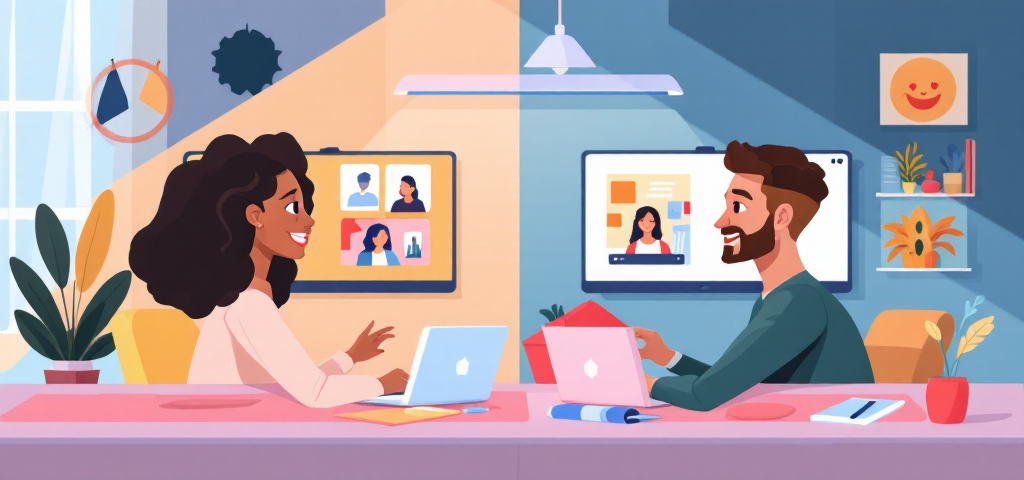
So, what exactly is an AI interview? Instead of chatting with a person, you’ll answer questions on a digital interview platform. Your responses—sometimes video, sometimes written—are analyzed by algorithms that look for certain skills, keywords, or communication styles. The idea is to make hiring more efficient, reduce bias, and give everyone a fair shot, no matter when or where they apply. But let’s be real: it’s a big shift from the handshake-and-eye-contact interviews most of us grew up with.
Companies are turning to automated candidate evaluation for a few reasons. First, it saves time. Recruiters can’t possibly screen thousands of applicants by hand. Second, it promises more consistency—every candidate gets the same questions, in the same format. And third, it opens doors for people who might not be able to attend a traditional interview due to location, schedule, or accessibility needs. Still, the technology is new, and it’s normal to wonder if it’ll really understand what makes you unique.
Here’s the good news: the goal hasn’t changed. You’re still there to show why you’re the right person for the job. The tools are different, but your story, skills, and personality matter just as much as ever. This guide is here to demystify the process and give you practical, honest advice. We’ll break down how AI interviews work, what you can do to prepare, your rights as a candidate, and the red flags to watch for in any digital interview. You’ll get real-world tips, not just tech jargon. For more resources to help you succeed, visit our candidate resources page.
If you’re worried about being judged by a machine, or just want to know how to put your best foot forward, you’re in the right place. AI interviews might feel intimidating at first, but with the right knowledge, they’re absolutely navigable. You’ve got this.
Understanding AI Interview Technology: What’s Really Happening Behind the Scenes
AI interviews can feel like a black box. You get a link, answer questions on camera, and then… what? For a lot of candidates, the process seems mysterious or even a little intimidating. But once you know what’s actually happening behind the scenes, it gets a lot less scary. The truth is, most AI-powered screening tools are built to make hiring more efficient and consistent, not to trip you up. If you’re wondering what every candidate should know before taking an AI interview, you’re in the right place. I’ve spent years researching and working with screening technology, and I’ll break down the basics in plain English—no computer science degree required.
How AI Interview Platforms Actually Work
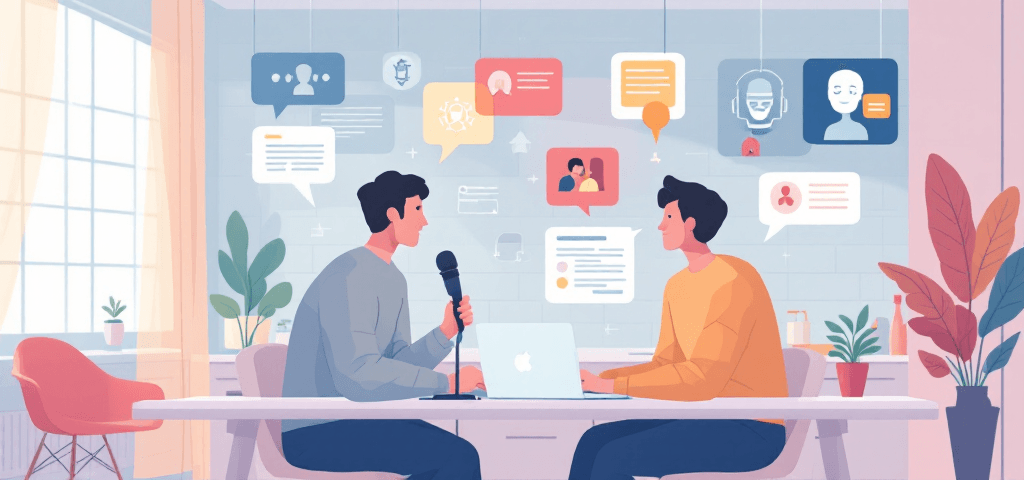
Here’s what usually happens: you get an email or portal link inviting you to an interview. Instead of a live person, you’ll see a set of questions—sometimes pre-recorded, sometimes generated on the fly. You record your answers, either by video, audio, or text. Then, the AI gets to work. Most platforms use a mix of natural language processing (NLP), speech recognition, and sometimes video analysis. The system listens to what you say, transcribes it, and looks for keywords or phrases that match the job requirements. Some tools also analyze your tone, pace, and even facial expressions, though not all do this. The goal? To help recruiters quickly spot candidates who meet the basic criteria, without bias or fatigue creeping in.
It’s not magic, and it’s not mind-reading. The technology is built on machine learning recruitment models trained on thousands (sometimes millions) of past interviews. These models learn patterns, such as what a clear, relevant answer sounds like or which skills are mentioned most often by top performers. But they’re not perfect. They can’t always pick up on sarcasm, subtlety, or unique life stories. And they definitely don’t know you as a person.
Some platforms, like SageScreen, use conversational AI interviews that adapt questions based on your responses. This makes the process feel more like a real conversation and less like a pop quiz. Instead of just checking boxes, these systems try to capture your authentic communication style and problem-solving approach. It’s a step up from the old-school, one-size-fits-all video interview software.
What AI Evaluates During Your Interview
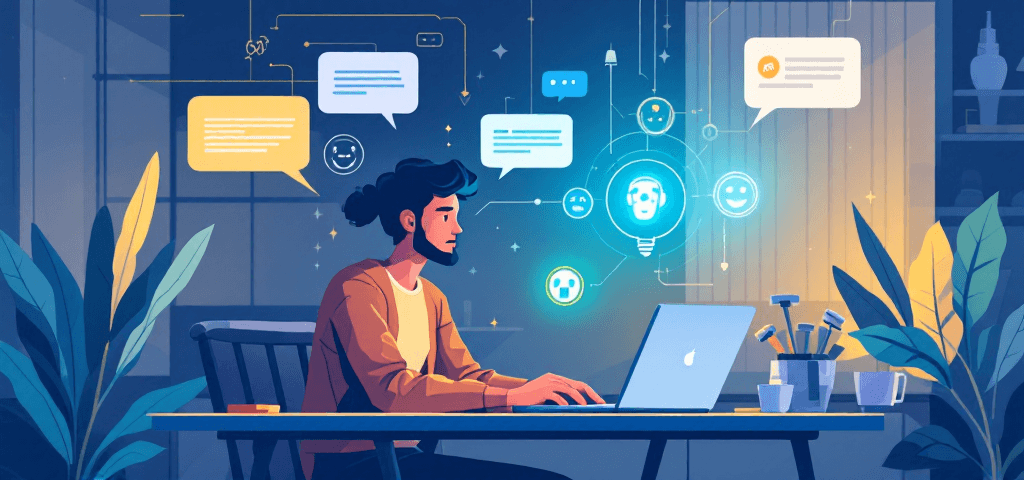
So what exactly is the AI looking for? It’s not just about what you say, but how you say it. Here’s a breakdown of the main factors most automated candidate evaluation systems consider:
- Content: Are you mentioning relevant experience, skills, or certifications? Do your answers match the job description?
- Communication: Is your response clear and well-structured? Do you answer the question directly, or ramble off-topic?
- Delivery: How’s your tone, pace, and confidence? Some systems check for monotone delivery, awkward pauses, or speaking too quickly.
- Nonverbal cues: On video, a few platforms analyze facial expressions or body language. But this is still controversial and not always reliable.
- Language use: Are you using professional language? Do you avoid slang or filler words?
It’s important to know that not every system looks at all these factors. For example, some only analyze your words, not your face. Others might focus more on how you organize your thoughts. And while AI can spot patterns, it can’t always understand context. If you have a gap in your resume because you cared for a family member, or you learned a skill in an unconventional way, the AI might not pick up on that nuance. That’s one of the biggest limitations of screening technology right now.
There’s also the question of bias. While AI is supposed to reduce human bias, it can sometimes reflect the biases in the data it was trained on. That’s why ethical platforms are constantly updating their models and running audits. If you’re curious about the risks and safeguards, check out this EEOC guidance on AI in hiring.
SageScreen, for example, puts a lot of emphasis on dynamic, conversational questions. This helps capture your real strengths and reduces the chance of being misjudged by a rigid checklist. It’s not perfect, but it’s a move toward more authentic candidate assessment.
The Difference Between AI Screening and Human Interviews

AI interviews aren’t meant to replace people. They’re usually the first step in a longer process. Think of them as a filter—helping recruiters sort through hundreds (sometimes thousands) of applications to find those who meet the basic requirements. After that, humans step in to dig deeper, ask follow-up questions, and get a sense of your personality and fit. Here’s how the two stages stack up:
Aspect | AI Screening | Human Interview |
|---|---|---|
Timing Flexibility | Complete anytime (24/7); no scheduling needed | Scheduled at a set time; requires both parties to be present |
Question Types | Pre-set or dynamic, focused on job requirements | Open-ended, can adapt based on your answers |
Evaluation Criteria | Automated candidate evaluation using algorithms (content, keywords, delivery) | Holistic assessment (context, personality, cultural fit) |
Feedback Mechanisms | Usually no immediate feedback; results go to recruiter | Can get real-time reactions, clarifications, or follow-up questions |
Role in Process | First-stage filter to identify qualified candidates efficiently | Deeper assessment of skills, experience, and fit |
If you’re worried about being judged by a robot, remember: the AI is just one part of the process. Most companies use it to save time and reduce bias in the early stages. The real decision-making still happens with people. And if you want to dig deeper into how AI is changing recruitment, the Harvard Business Review has a solid overview.
Bottom line? AI interviews are here to stay, but they’re not the final word. Understanding how screening technology works—and what it can and can’t do—puts you in a much stronger position. You don’t have to be a tech expert to succeed. You just need to know what the system is looking for, and how to show your best self, even if there’s no one on the other side of the screen (yet).
7 Essential Steps to Prepare for Your AI Interview
AI interviews can feel like a black box, but the right preparation makes a huge difference. Most candidates focus on what they’ll say, but the technical setup and delivery matter just as much. I’ve seen people ace the content but lose points because their camera was blurry or their audio kept cutting out. So, let’s get into the details that actually move the needle for your candidate experience.
Technical Setup: Getting Your Environment Right
Before you even think about your answers, nail down your environment. Video interview software and virtual interview platforms are unforgiving when it comes to distractions or technical hiccups. Here’s a checklist I recommend to every candidate—skip one, and you might regret it.
- Test your internet connection (use a speed test like Speedtest.net to make sure you have at least 5 Mbps upload/download).
- Check your lighting—your face should be clearly visible, with light in front of you, not behind.
- Minimize background noise (close windows, silence your phone, let others know you need quiet).
- Use a neutral background—a blank wall or tidy space works best. Avoid clutter or anything distracting.
- Test your camera and microphone in advance. Most video interview software has a test mode—use it.
- Have a backup device ready (laptop, tablet, or even your phone, just in case).
- Close unnecessary applications to avoid notifications and free up bandwidth.
- Position your camera at eye level—stack books under your laptop if you need to.
These steps sound basic, but they’re digital interview best practices for a reason. If you skip them, you risk coming across as unprepared—even if your answers are spot on.
Content Preparation: Structuring Your Responses
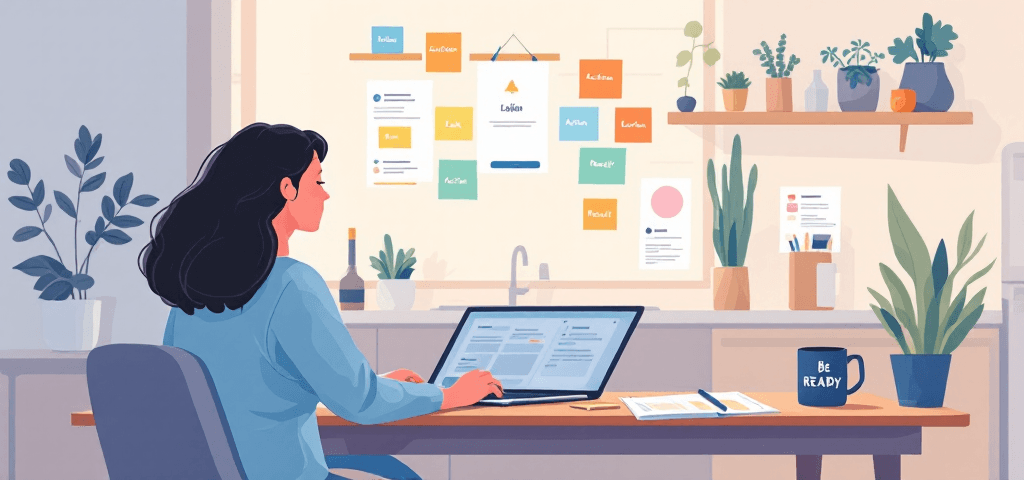
AI interview platforms typically use structured questions to assess your fit. The STAR method is your best friend here. It stands for Situation, Task, Action, Result. This framework keeps your answers focused and easy for both AI and humans to follow.
- Situation: Set the scene. What was the context?
- Task: What was your responsibility or challenge?
- Action: What did you do? Be specific.
- Result: What happened? Quantify if you can.
Don’t just memorize generic stories. Review the job description and pick examples that match the key requirements. If the role asks for “project management experience,” have a story ready where you led a project from start to finish. If “problem-solving” is a must, think of a time you fixed something that was broken—ideally with measurable results.
AI systems are trained to pick up on relevant skills, clear structure, and direct answers. Rambling or vague responses usually get flagged as weak. But don’t overthink it. The best answers sound natural, not like you’re reading from a script.
Practice Strategies That Actually Work
You can’t just wing an AI interview. But you also don’t want to sound like a robot. Here’s what works (and what doesn’t) when it comes to practice.
- Record yourself answering common questions. Watch the playback. Notice your pacing, tone, and body language.
- Use AI interview simulation tools if you can. Some platforms offer free practice modes. Even recording on Zoom or your phone helps.
- Get feedback from a friend or mentor. Ask them if your answers are clear and if you sound authentic.
- Time your responses. Most AI interviews expect answers between 1-2 minutes. Practice hitting that sweet spot.
- Practice speaking clearly and at a moderate pace. AI systems can struggle with mumbling or talking too fast.
Don’t over-rehearse. If you memorize every word, you’ll sound stiff. The goal is to know your stories and main points, not to recite them. AI-driven recruitment tools are getting better at picking up authenticity, so let your personality show.
If you want more practice resources, check out Big Interview or The Muse’s video interview tips. Both offer practical advice and mock interview tools.
What to Do (and Not Do) on Interview Day
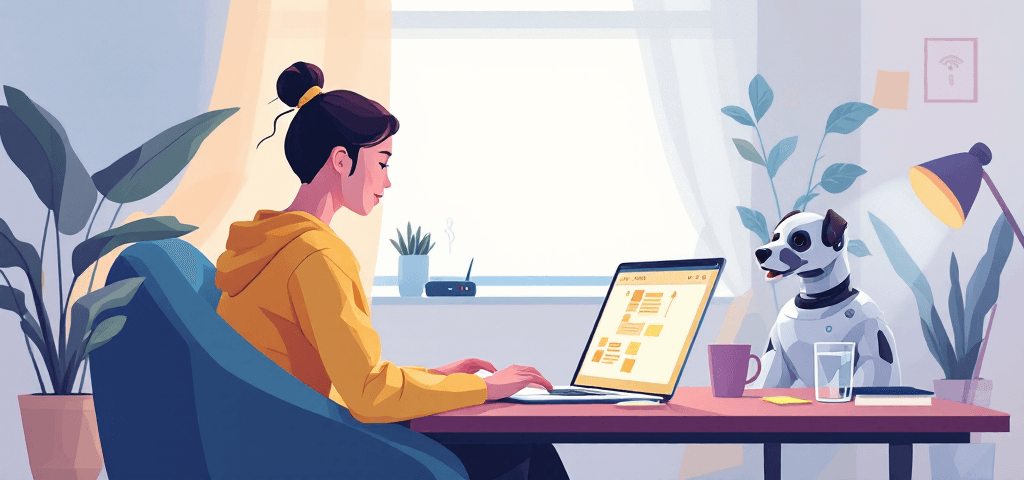
On the day of your AI interview, nerves are normal. But a few simple habits can make a big difference in your candidate experience. Here are the dos and don’ts I share with every job seeker.
- Dress professionally (even if you’re at home). It helps you get in the right mindset.
- Take brief pauses to think before answering. AI platforms don’t penalize a few seconds of silence.
- Speak directly to the camera—imagine you’re talking to a real person.
- Be yourself. Authenticity comes through, even on video.
And here are the things to avoid. Some of these might seem obvious, but you’d be surprised how often they trip people up.
- Don’t read from notes. Glancing down is obvious on camera and can hurt your score.
- Don’t use AI tools to generate answers in real-time. Most platforms can detect this, and it usually backfires.
- Don’t rush through questions. Take your time to answer thoughtfully.
- Don’t apologize excessively for technical issues. If something goes wrong, address it briefly and move on.
If you hit a snag—like your internet drops or your dog barks—just stay calm. Most virtual interview platforms let you restart or reschedule if there’s a real problem. And if you feel like a question didn’t go well, don’t dwell on it. Move forward with confidence.
The best digital interview best practices are about balance. Prepare enough to feel confident, but not so much that you lose your natural voice. AI interviews are designed to spot both your skills and your authenticity. If you focus on both, you’ll stand out for the right reasons.
Your Rights and What to Expect: Transparency in AI Screening
What Companies Should Tell You About Their AI Interview Process
If you’re about to take an AI-powered interview, you deserve to know exactly what you’re getting into. Ethical companies don’t keep candidates in the dark. They’ll tell you upfront that they’re using AI for screening, what the process looks like, and what’s being evaluated. This isn’t just a nice-to-have. It’s a basic expectation for interview transparency and ethical AI hiring.
Here’s what you should expect to see in a clear disclosure from any company using candidate screening software:
- Notice that AI is being used: You should never have to guess if a machine is evaluating you. If it’s not clear, ask.
- What’s being evaluated: Companies should outline the main factors the AI will assess, like communication skills, relevant experience, or specific competencies.
- How long the interview will take: You should know if you’re in for a 10-minute session or a 45-minute marathon.
- Whether your interview is recorded: Most AI interviews are recorded for analysis. You have a right to know.
- How your results will be used: Will a human review your responses? Is the AI making the first cut? This should be spelled out.
Transparency isn’t just about being polite. It’s a sign the company takes ethical AI hiring seriously. Platforms like SageScreen make a point of providing clear evaluation criteria and audit trails, so you’re never left guessing how your responses are being used.
Data Privacy: What Happens to Your Interview Recording
AI interviews almost always involve recording your video, audio, or written responses. That’s a lot of personal data floating around. You have rights here, and it’s smart to use them. Before you start, ask these questions:
- How long will my interview recording be stored?
- Who can access my data? Is it just the hiring team, or are third parties involved?
- Is my data shared with anyone outside the company?
- Can I request that my data be deleted after the process?
- What security measures protect my information?
Depending on where you live, privacy laws like the GDPR (Europe) or CCPA (California) may give you the right to access, correct, or delete your data. Even if you’re not covered by these laws, most reputable companies will honor reasonable requests. If you’re unsure, check out the EEOC’s guidance on AI in hiring for more on your rights.
Don’t be shy about asking for details. If a company can’t answer basic questions about data privacy, that’s a red flag.
Red Flags: Signs of a Poorly Designed AI Interview
Not all AI interview platforms are created equal. Some are built with candidate experience and fairness in mind. Others? Not so much. Here are warning signs that the process might be more about checking boxes than finding the right fit.
- No disclosure that AI is being used at all.
- Extremely short time limits that don’t let you think or respond thoughtfully.
- Questions that seem totally irrelevant to the job you applied for.
- No option to request accommodations for disabilities.
- No way to contact a real person if you have questions or issues.
- Unclear or secretive evaluation criteria—if you don’t know what’s being measured, that’s a problem.
- Requests for excessive personal information that doesn’t relate to the job.
A well-designed system will be upfront about how it works, what it’s measuring, and how you can get help if you need it. For example, SageScreen’s audit-ready reports and transparent evaluation process are designed to keep things fair and above board. If you spot more than one of these red flags, it’s worth asking the company for clarification—or reconsidering whether you want to move forward.
When and How to Request Human Review
AI isn’t perfect. Sometimes it gets things wrong, especially if there’s a technical glitch, a misunderstanding, or you feel the process was biased. You’re not stuck with the machine’s verdict. Most companies using candidate screening software will let you request a human review—sometimes you just have to ask.
Here’s when you should consider requesting a human review:
- You experienced technical issues (audio/video problems, platform crashes, etc.)
- You believe the AI misunderstood your accent, language, or communication style
- You suspect AI bias in hiring or feel the evaluation was unfair
- You have a disability or special circumstance that wasn’t accommodated
- You want clarification on how your responses were scored
When you reach out, keep it professional and specific. Here’s a template you can use:
Subject: Request for Human Review of AI Interview Assessment
Hi [Recruiter/Hiring Manager],
I recently completed the AI interview for the [Job Title] position. I’d like to request a human review of my interview responses because [briefly explain your reason, e.g., technical issues, concerns about fairness, or need for accommodation].
Could you please let me know the next steps? I appreciate your attention to this matter.
Thank you,
[Your Name]
Most companies will respect a polite, well-reasoned request. If they don’t, that tells you a lot about their approach to ethical AI hiring and interview transparency.
Bottom line: You have rights. Don’t be afraid to use them. The best companies want you to feel informed, respected, and confident throughout the process. That’s not just good for candidates—it’s good for business, too.
Moving Forward: Succeeding in the AI-Powered Hiring Landscape
What Happens After Your AI Interview
You’ve finished your AI interview. Now what? Most candidates feel a mix of relief and anxiety at this stage. The reality is, the automated interview process is just one part of a much bigger picture in AI-driven recruitment. Here’s what typically happens next.
- AI generates a report or scorecard: The system reviews your responses, analyzing things like communication clarity, relevant experience, and how well you addressed the questions. Some platforms also look at delivery factors, but the focus is usually on what you say and how you say it.
- Human recruiters review the results: Even with advanced screening technology, most companies have real people review the AI’s findings. They’ll look at your report, sometimes watch your recorded responses, and decide who moves forward.
- Qualified candidates advance: If your interview aligns with the job requirements, you’ll probably be invited to a human-led interview. This is where cultural fit and deeper skills get assessed.
- Timelines vary: Some companies move fast, others take their time. It’s not unusual to wait a week or more for an update. Don’t panic if you don’t hear back right away.
It’s important to remember: AI screening is rarely the final word. It’s a filter, not a verdict. The real decision-making still involves people. And if you’re ever unsure about your status, it’s okay to reach out (more on that in a second).
How to Follow Up Professionally
Following up after an AI interview can feel awkward. You might wonder if you’re supposed to wait for a robot to email you, or if it’s even appropriate to check in. Here’s what works best for most candidates:
- Wait 3-5 business days before reaching out. Give the company time to review results.
- Send a brief, polite email to your recruiter or the contact listed in your interview invitation.
- Reiterate your interest in the role and ask about next steps or the expected timeline.
- Don’t ask for your AI interview score or detailed feedback. Most companies won’t share this, and it can come off as pushy.
- Stay professional, even if you don’t advance. You never know when you’ll cross paths with the company again.
Here’s a simple follow-up email template you can adapt:
Subject: Follow-Up on [Job Title] Application
Hi [Recruiter’s Name],
I wanted to thank you for the opportunity to complete the AI interview for the [Job Title] position. I’m very interested in the role and would love to learn more about the next steps in your hiring process. If there’s any additional information I can provide, please let me know.
Thanks again for your time.
Best,
[Your Name]
If you don’t get a response after a week, it’s fine to send one more polite nudge. After that, it’s usually best to move on and focus your energy elsewhere.
Building Skills for Future AI Interactions
AI interviews aren’t going away. If anything, they’re becoming more common as companies look for ways to make hiring fairer and more efficient. That means it’s smart to treat every AI interview as a chance to build skills you’ll use again and again.
- Stay informed about AI in hiring: Read up on how AI-driven recruitment works and what’s changing. Sites like Career Contessa and The Muse regularly publish tips and updates.
- Develop strong communication skills: Practice explaining your experience clearly and concisely. AI screening technology rewards candidates who get to the point and use real examples.
- Build a portfolio of concrete stories: Keep a running list of situations where you solved problems, led projects, or learned something new. These stories work for both AI and human interviews.
- Maintain authenticity: Don’t try to game the system with buzzwords or AI-generated answers. Most platforms, especially those focused on ethical AI hiring, are designed to spot inauthentic responses. Just be yourself—your real experience is what matters.
If you’re curious about how ethical AI hiring works, companies like SageScreen design their screening technology to support fairness and transparency. Their approach is all about enhancing human decision-making, not replacing it. That’s the direction the best employers are heading.
Here’s the bottom line: AI interviews are tools, not obstacles. They’re meant to help companies find great people, not trip you up. With a little preparation and the right mindset, you can handle any automated interview process that comes your way. Focus on communicating your genuine strengths, and don’t let the technology throw you off your game.
If you want to keep building your skills, check out resources like CareerOneStop’s interview tips or The Muse’s AI interview advice. Bookmark them for your next job search.
You’ve got this. The future of hiring is changing, but with the right preparation, you’ll be ready for whatever comes next.